// Blog · Security
Virus vs. ransomware vs. malware: what to do if your computer is infected
Malware, viruses, and ransomware are different threats that need different responses. Here's how to tell them apart and the exact steps to take right now if your computer is infected.
Wirehead Repair · Thursday, September 24, 2026 · 2 min read
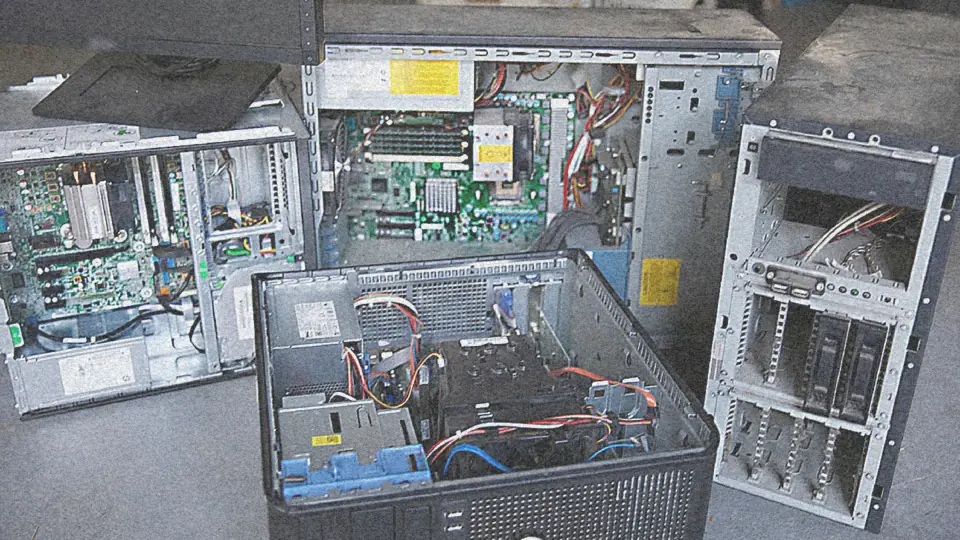
If your computer is acting weird — pop-ups, locked files, slow performance, or a scary full-screen message — the first thing to do is disconnect from the internet and stop using it. Then figure out what you’re dealing with.
What’s the difference?
Malware is the umbrella term: any malicious software. Viruses are malware that spreads by infecting other files. Ransomware is malware that encrypts your files and demands payment.
The response differs a lot:
- Pop-ups and junkware — annoying, but usually fixable with a proper cleanup.
- A virus — needs a deep scan and cleanup of infected files.
- Ransomware — the big one. Do not pay immediately; disconnect and call a professional.
What to do right now
- Unplug from the internet — pull the Ethernet cable or turn off Wi-Fi.
- Don’t shut down if you have unsaved work — but stop doing anything important.
- Don’t enter passwords — especially not your email or banking.
- Call a professional — for businesses, this is an emergency response, not a do-it-yourself project.
What we do when you bring it in
- Isolate the infection and back up whatever data is recoverable.
- Identify the malware type and how it got in (that matters — it tells us what else to check).
- Remove the infection and reinstall or clean the system.
- Harden the device so it doesn’t happen again: updates, antivirus, backups, and better passwords.
Prevent the next infection
- Keep updates and antivirus current (this alone stops most infections).
- Back up your important files — to an external drive or a service, not just the same computer.
- Don’t click links in unexpected emails, and use a password manager instead of reusing passwords.
Infected now?
Stop using the device, disconnect it, and call 417-766-6650 or send us a message. For business clients, your first repair is at parts cost only. For everyone, the quote comes before the work.